

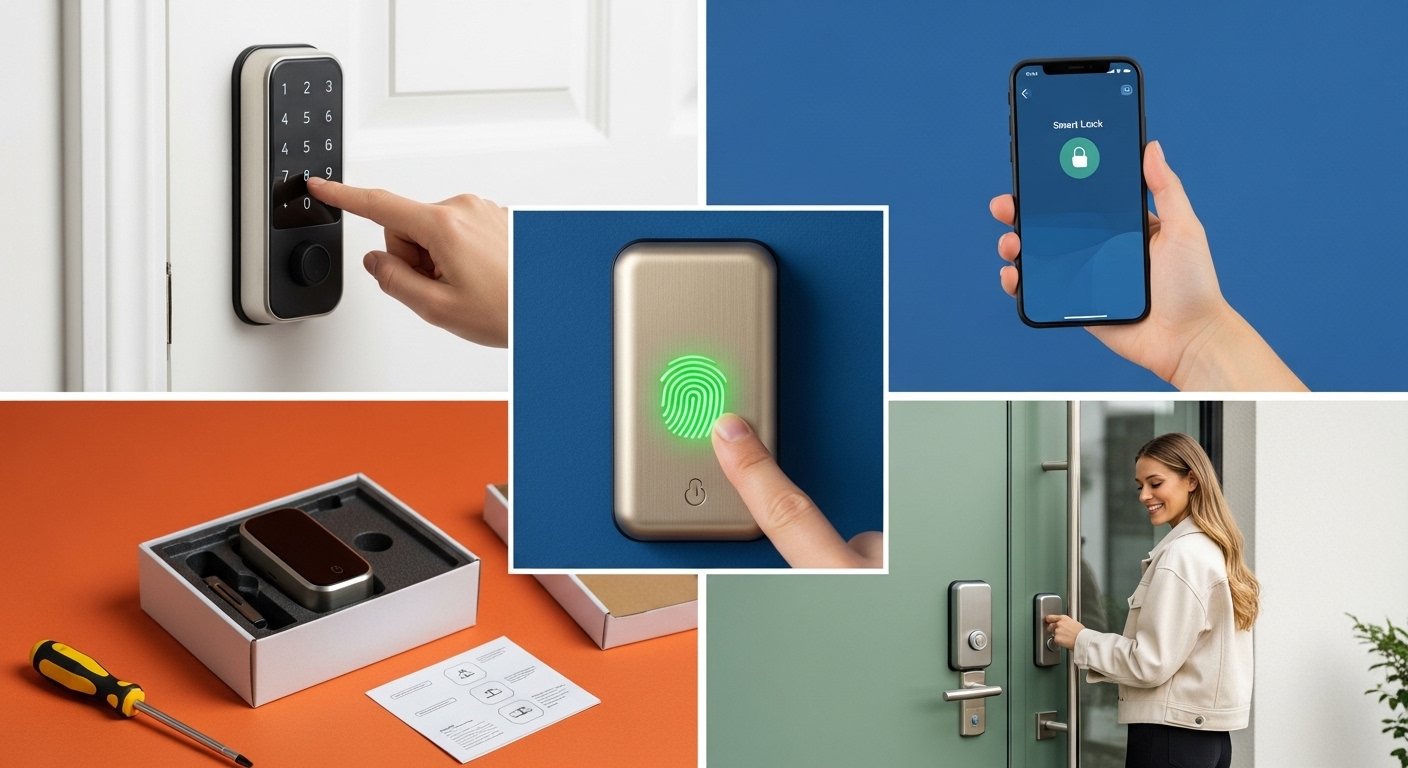
Home security has never been smarter, and in 2026, there has never been a better time to upgrade the way you protect your front door. Whether you are a homeowner looking for a full-featured connected deadbolt or a renter who needs a simple keyless entry solution.
Te right smart locks for homes can completely transform how you access, monitor, and control your space. No more fumbling for keys at the door. No more wondering if you remembered to lock up before leaving. No more cutting spare keys for guests or contractors.
Today’s smart locks offer everything from fingerprint access and app-based remote locking to voice control and real-time entry alerts, all in sleek, modern designs that fit almost any door.
This guide breaks down the best smart locks for homes and apartments in 2026, what to look for before you buy, and how to choose the right one for your specific situation.
Table of contents
Why Smart Locks Are Worth the Upgrade in 2026?
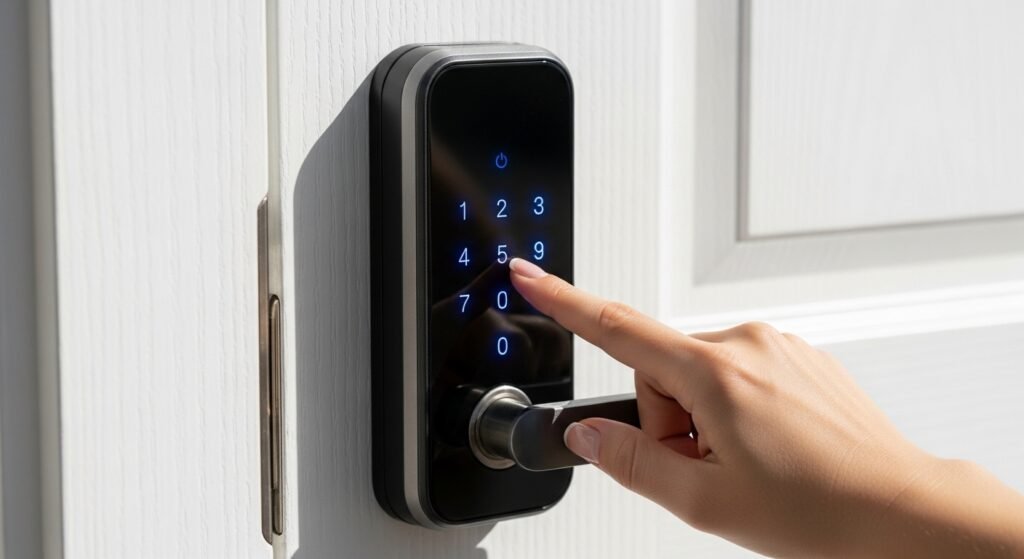
Traditional deadbolts do one thing: lock and unlock with a physical key. Smart locks do everything else. The shift toward connected home security has accelerated dramatically over the past few years.
And smart locks are now one of the fastest-growing categories in home technology. The reasons are simple: they are more convenient, more flexible, and, in many ways, more secure than the standard key-and-lock setup most people have used for decades.
The Real Benefits of Smart Locks for Homes
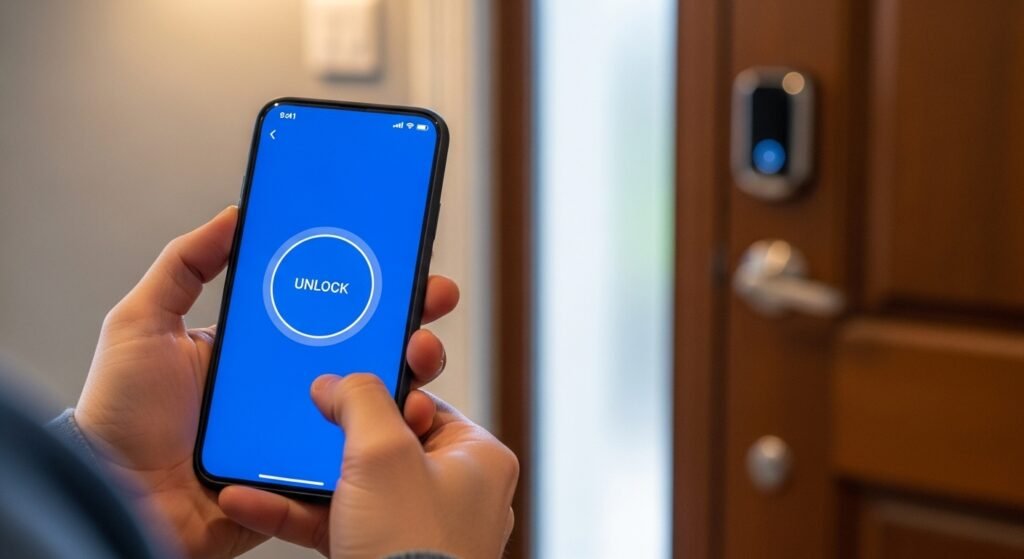
- Keyless convenience. No more keys to carry, lose, or copy. Entry is handled via a keypad code, fingerprint, smartphone app, or voice command via Alexa or Google Home.
- Remote access and monitoring. Most Wi-Fi smart door locks let you lock and unlock your door from anywhere in the world through an app. You can also receive real-time notifications every time someone enters or exits.
- Temporary access codes. Hosting guests? Expecting a delivery? Need to let a dog walker in on Tuesdays? Smart locks let you create time-limited access codes for specific people and time windows, then delete them instantly when no longer needed.
- Auto-lock functionality. Many models automatically lock behind you after a set amount of time, eliminating the nagging feeling that you forgot to lock the door on the way out.
- No locksmith calls. Forgot a code? Reset it from your phone. No emergency locksmith, no spare key hidden under a rock.
For renters, smart locks offer an especially appealing benefit: most models are designed to replace only the interior portion of an existing deadbolt, meaning the exterior keyhole remains intact and landlords stay happy.
What to Look For Before Buying a Smart Lock
Not every smart lock is built the same, and the best one for a city apartment is not necessarily the best one for a suburban family home. Here is what actually matters.
1. Connectivity Type
Smart locks connect to your home network in several ways. Wi-Fi smart door locks connect directly to your router and give you remote access without any additional hub. Z-Wave and Zigbee models are typically more energy-efficient but require a compatible smart home hub.
Bluetooth-only locks work within range of your phone but do not offer remote access. For most people, a Wi-Fi or Wi-Fi plus Bluetooth combination gives the best balance of features and convenience.
2. Entry Methods
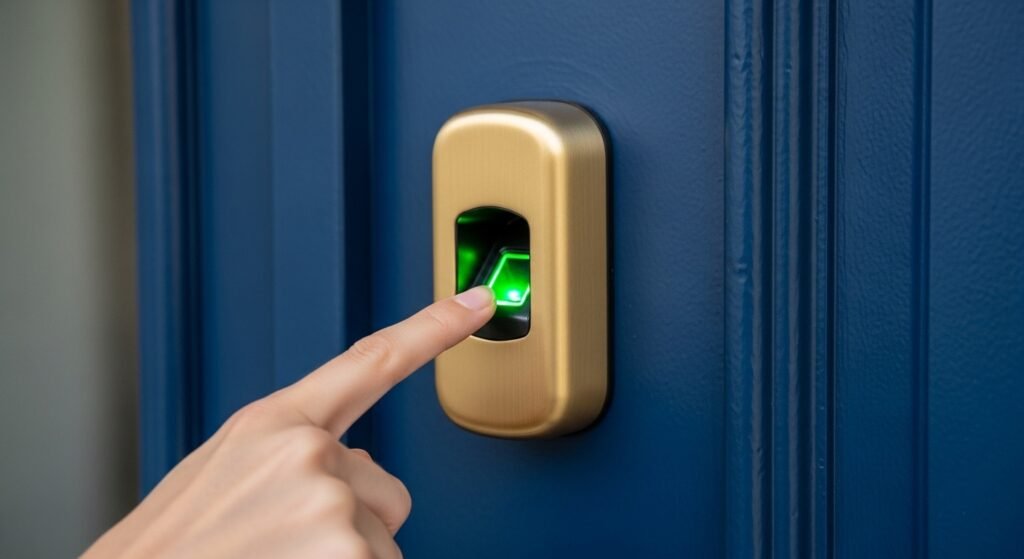
The best smart lock for your home should offer multiple ways to get in. Look for models that support a keypad code, smartphone app, physical key backup, and ideally a fingerprint reader. Having multiple entry methods means you are never locked out, even if your phone battery dies or you forget a code.
3. Smart Home Compatibility
If you already use Alexa, Google Home, or Apple HomeKit, make sure your lock is compatible with your existing ecosystem. Being able to say “Alexa, lock the front door” before bed is one of those small conveniences that quickly becomes indispensable.
4. Battery Life and Low Battery Alerts
Most smart locks run on AA or AAA batteries and last anywhere from six months to a year, depending on usage. Choose a model that sends low battery alerts to your phone well in advance, so you are never caught with a dead lock.
5. Installation Ease
For renters, especially, easy installation matters. The best smart lock for renters should fit over your existing deadbolt without requiring drilling or permanent modifications to the door. Most quality models install in under 15 minutes with a standard screwdriver.
Best Smart Locks for Homes and Apartments in 2026
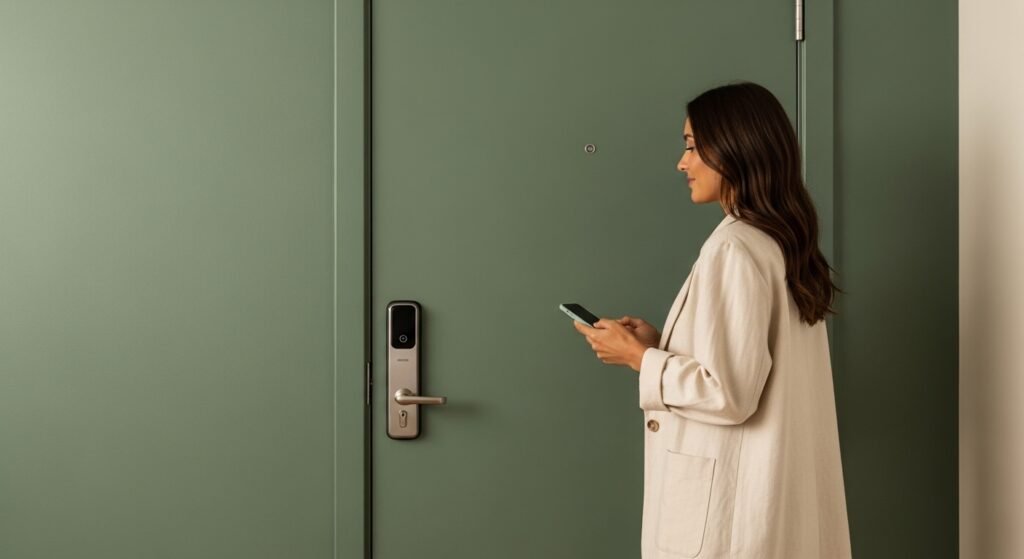
1. Schlage Encode Plus
The Schlage Encode Plus continues to be one of the most trusted names in home security smart locks, and for good reason. It connects directly via Wi-Fi and works seamlessly with Apple HomeKit and Alexa, making it one of the most versatile options available.
Key features include a built-in alarm that detects potential break-ins, up to 100 access codes, auto-lock functionality, and a sleek touchscreen keypad that looks sharp on any door. The battery life is excellent, typically lasting 12 months or more, and the app experience is clean and intuitive.
It replaces a standard deadbolt and is suitable for both homes and apartments with compatible doors. The keyhole backup ensures you are never fully locked out, even if the battery dies completely.
Best for: Homeowners who want a full-featured, reliable smart lock with strong smart home integration and long battery life.
2. August Wi-Fi Smart Lock (4th Generation)
The August Wi-Fi Smart Lock is one of the most popular choices among renters, and it earns that reputation. Rather than replacing your entire deadbolt, it attaches to the interior side of your existing lock, leaving the exterior keyhole completely untouched. This makes it one of the most landlord-friendly smart locks available.
Setup takes less than 10 minutes and the companion app is one of the best in the category. Features include auto-lock and auto-unlock based on your phone’s location, activity logs, and guest access management. It also works with Alexa, Google Home, and Apple HomeKit.
The compact design is a standout feature. It sits discreetly on the inside of your door and blends in far better than bulkier models. Battery life averages six to eight months with regular use.
Best for: Renters who cannot modify their door and want a discreet, full-featured smart lock that works with their existing deadbolt.
3. Ultraloq U-Bolt Pro Wi-Fi
If biometric entry is a priority, the Ultraloq U-Bolt Pro Wi-Fi is the best fingerprint smart lock for home use in 2026. It stores up to 100 fingerprints, responds in under half a second, and rarely misreads, even with damp or dirty hands.
Beyond fingerprint access, it also supports a keypad, smartphone app, key backup, and shake-to-open functionality. The Wi-Fi connectivity is built in, so there is no hub required, and it works with both Alexa and Google Home.
The design is bold and modern, available in matte black and satin nickel finishes. Installation requires replacing the entire deadbolt, making it better suited to homeowners than renters. Battery life is around six months with moderate fingerprint usage.
Best for: Homeowners who want the fastest, most convenient access possible through fingerprint technology, without sacrificing remote app control.
4. Yale Assure Lock 2
Yale has been making locks since 1840, and the Assure Lock 2 brings that heritage into the connected era with impressive results. This is one of the cleanest, most refined smart lock with keypad designs available today, featuring a slim touchscreen that blends beautifully with modern door hardware.
It supports Wi-Fi and Bluetooth, works with Alexa, Google Home, Apple HomeKit, and Samsung SmartThings, and allows up to 250 unique access codes. The tamper alarm, auto-lock, and real-time notifications round out a feature set that covers everything most homeowners need.
The physical key backup is included, and battery life averages around 12 months. Setup is genuinely simple and the Yale app is reliable and easy to navigate.
Best for: Homeowners and apartment dwellers who want an elegant, minimal design with broad smart home compatibility and a generous access code capacity.
5. Eufy Security Smart Lock C220
Not every smart lock needs to cost a fortune, and the Eufy Security Smart Lock C220 proves that affordability and quality are not mutually exclusive. At roughly half the price of many premium models, it delivers fingerprint access, a keypad, app control, and a physical key backup in a clean, compact package.
Fingerprint recognition is fast and accurate, and the app is straightforward and easy to use. It supports auto-lock, real-time entry alerts, and up to 100 fingerprints and access codes. The installation replaces the standard deadbolt and typically takes under 15 minutes.
Battery life is around six months and the lock does not require a separate hub. While it lacks some of the premium ecosystem integrations of higher-end models, it covers the core features most people actually use every day.
Best for: Budget-conscious buyers, first-time smart lock users, and apartment dwellers who want solid performance without the premium price tag.
6. Kwikset Halo Touch
Kwikset is one of the most recognized names in residential locks, and the Halo Touch is their flagship smart entry offering. It features a fingerprint reader on a clean, contemporary body, built-in Wi-Fi, and compatibility with Alexa and Google Home.
The Kwikset app is one of the more user-friendly options in the category, with a clear interface for managing access codes, checking lock history, and adjusting auto-lock settings. The lock stores up to 100 fingerprints and includes a keypad and physical key backup.
Installation is straightforward for a full deadbolt replacement, typically taking 15 to 20 minutes. Battery life is approximately 12 months with average fingerprint usage, and low battery alerts are pushed directly to your phone.
Best for: Homeowners who prioritize simple setup, reliable daily performance, and a trusted brand name in residential security.
Smart Lock vs Traditional Lock: Is the Switch Worth It?
Traditional locks offer one access method and no remote visibility. You cannot know if you forgot to lock up, cannot grant temporary access to a guest, and cannot monitor who comes and goes. A lost key means a locksmith call and potentially a full lock replacement.
Smart locks for homes solve every one of these problems. They are not significantly easier to pick than a traditional deadbolt, and most high-quality models are rated Grade 1 or Grade 2 by the ANSI security standards, the same rating given to premium traditional deadbolts. The digital layer adds convenience, not vulnerability, when you choose a reputable brand with strong encryption.
The main considerations are battery dependence and the slight learning curve with any new app. Both are minor inconveniences compared to the genuine daily benefits a smart lock delivers.
Installation Tips for Smart Locks
Most smart locks for homes are designed for DIY installation and require no special tools or skills. Here is what to know before you start.
- Check your door thickness first. Most smart locks fit doors between 1.375 and 2 inches thick. Measure before you buy.
- Check your deadbolt backset. Most US doors use a 2.375-inch or 2.75-inch backset. Your lock packaging will confirm compatibility.
- Have a Phillips screwdriver ready. That is genuinely all most installations require.
- Download the app before you start. Walking through the setup process in the app while installing is much smoother than doing it in sequence afterward.
- Test with the door open first. Always verify the lock is functioning correctly with the door open before closing and latching it for the first time.
Short Takeaways
If you are ready to upgrade to smart locks for homes, here is the quick version of everything covered:
- Choose Wi-Fi connectivity for remote access without a hub
- Look for multiple entry methods: keypad, fingerprint, app, and key backup
- Renters should look for interior-only retrofit models like the August Wi-Fi
- Match your lock to your existing smart home ecosystem: Alexa, Google, or HomeKit
- Budget options like Eufy deliver excellent core features at a lower price point
- Installation is almost always a straightforward DIY project under 20 minutes
Frequently Asked Questions
Q: Can smart locks be hacked?
Reputable smart locks use AES 128 or 256-bit encryption, making them extremely difficult to hack remotely. The bigger risk is always a weak app password, so use a strong, unique password and enable two-factor authentication where available.
Q: Do smart locks work during a power outage?
Yes. Smart locks run on batteries, not your home’s electrical system. A power outage has no effect on their operation.
Q: Are smart locks suitable for apartment renters?
Absolutely. Models like the August Wi-Fi Smart Lock are specifically designed to attach to the interior of your existing deadbolt without modifying the door, making them fully renter-friendly.
Q: How long do smart lock batteries last?
Most models last between six and twelve months depending on usage frequency and connectivity type. All quality models send low battery alerts to your smartphone well in advance.
Q: What happens if my phone battery dies and I need to get in?
Every smart lock recommended in this guide includes a physical keypad code as a backup entry method, and most also include a traditional key cylinder. You will never be locked out.

Welcome to Homeblesh! I'm a professional content writer with over five years of experience creating well-researched, practical, and reader-focused content for clients on Upwork and Fiverr. Now, I've dedicated my expertise to building Homeblesh, where I share helpful guides, honest recommendations, and actionable tips based on careful research and industry knowledge. My goal is to provide accurate, trustworthy information to help you make informed decisions while delivering clear, useful, and easy-to-understand content.
- Muhammad Imran

- Muhammad Imran

- Muhammad Imran

- Muhammad Imran


